Showing posts with label moire. Show all posts

Wednesday, 19 August 2015

Moire Colour Banding

moirendp

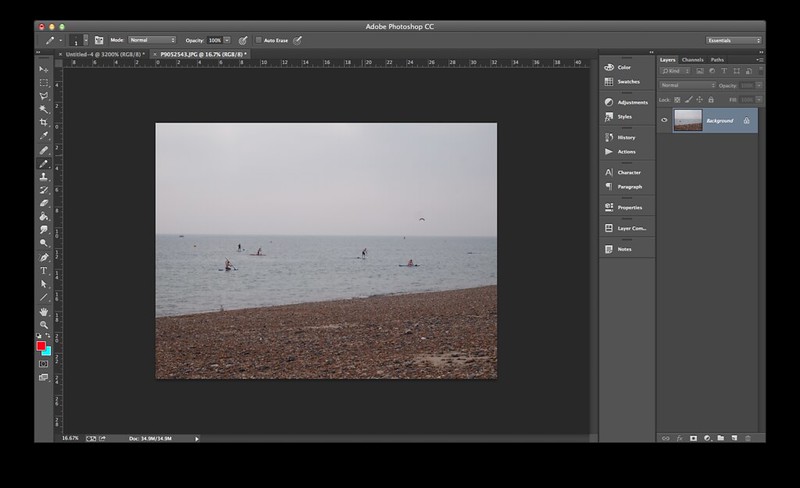
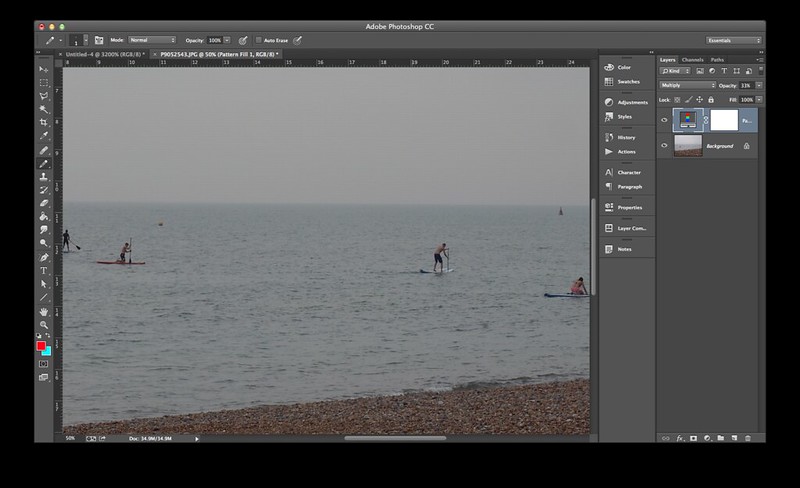
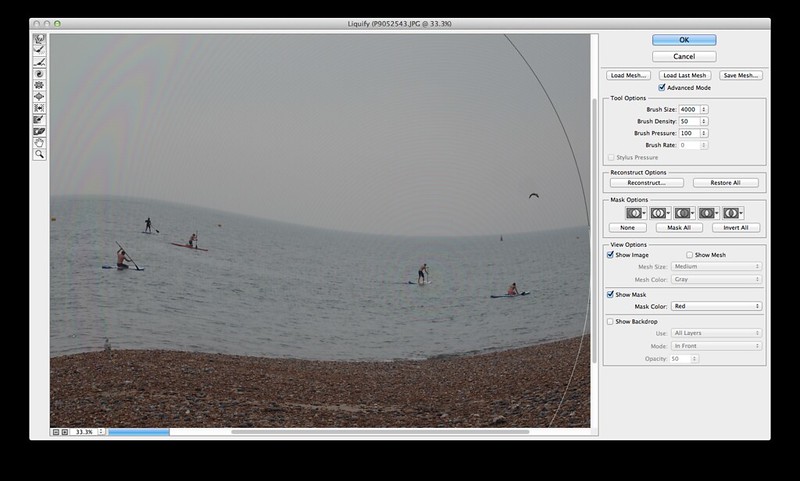
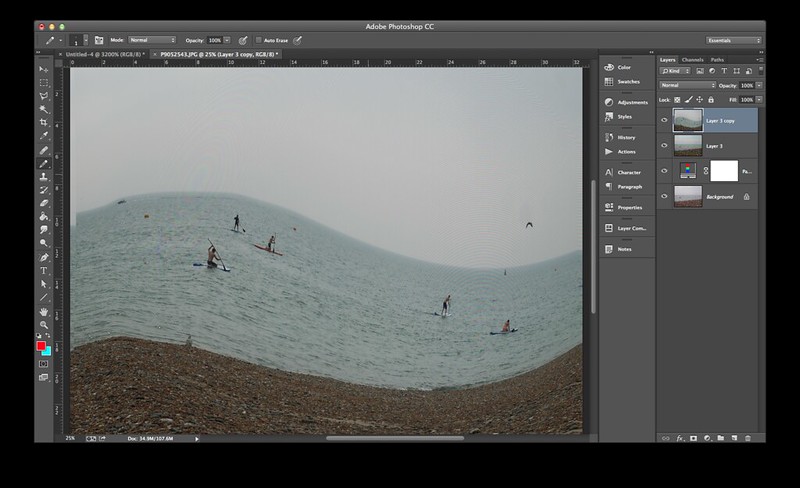
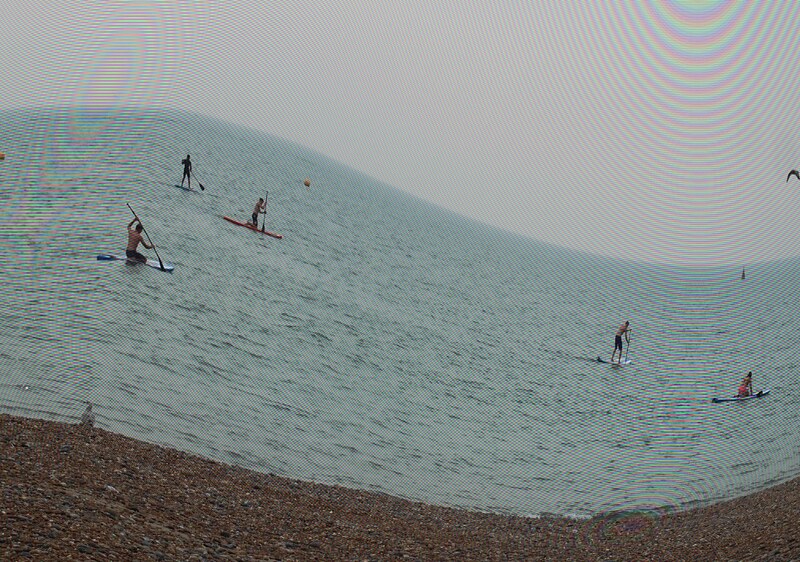
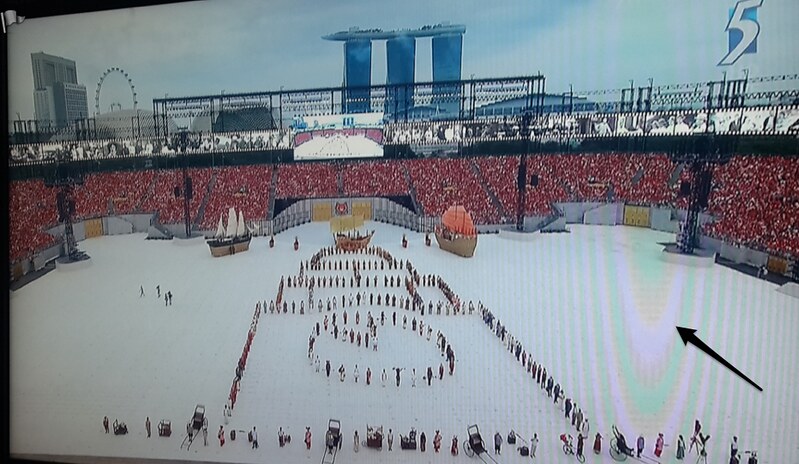
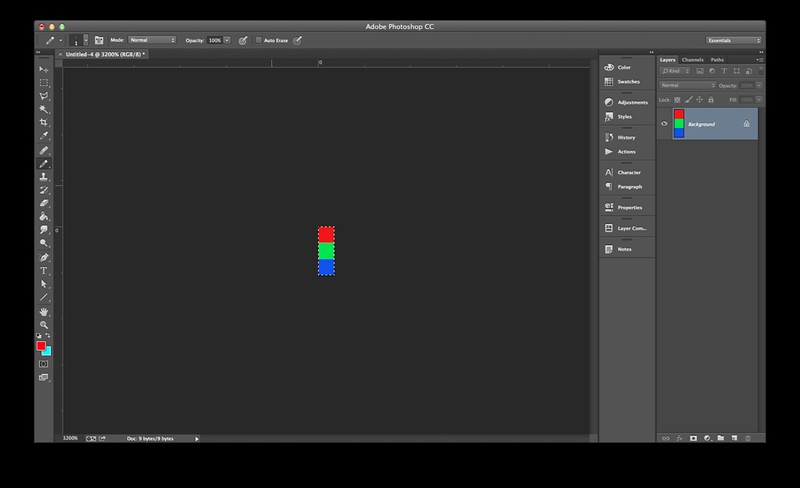
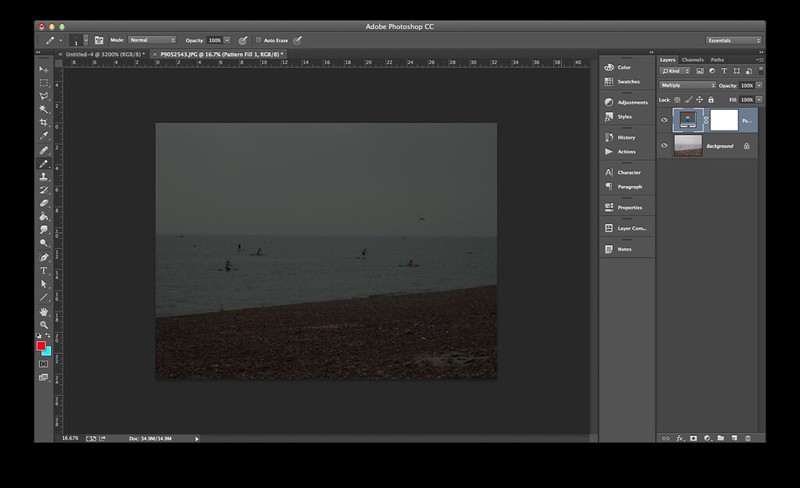
Moire patterns occur when two patterns are superimposed upon each other, such as the scan lines of a tv meeting the way in which a mobile phone camera's CMOS chip scans the scene line by line. A similar effect can be easily reproduced in photoshop. Create a small 1x3px or 1x6px RGB grid and turn it into a pattern in photoshop, overlay or multiply the pattern layer over a photograph, lower the opacity of the pattern layer to something visibly acceptable, then liquify.
Screen Shot 2015-08-19 at 10.13.20 pm

Red/Green/Blue pattern

Screen Shot 2015-08-19 at 10.15.54 pm

Photograph taken on Brighton Beach, 2014
Screen Shot 2015-08-19 at 10.16.12 pm

Multiplied with RGB layer

Screen Shot 2015-08-19 at 10.16.23 pm

Zooming in reveals tiny bands

Screen Shot 2015-08-19 at 10.18.47 pm

Liquify (Under Filter > Liquify...)
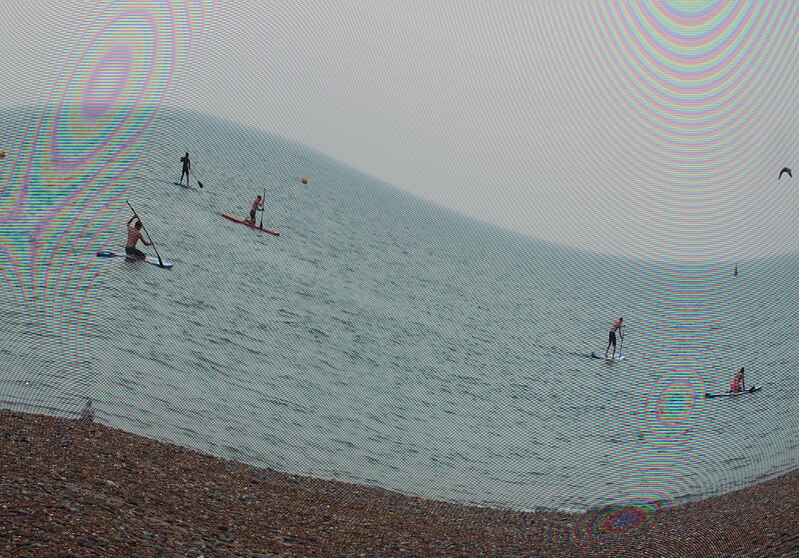
Screen Shot 2015-08-19 at 10.21.43 pm

Screen Shot 2015-08-19 at 10.26.29 pm

Screen Shot 2015-08-19 at 10.53.54 pm

Wednesday, 8 February 2012

Contextfree - Moireballs

moireball

moireball3 moireball4


Playing with a simple rule set on Contextfree. Looks even more full of moire when compressed automatically by Flickr - moire being the interference pattern when two grids/meshes are overlaid but small differences exist (kinda like how phase shifts work?). In this case, the moire effect is derived from small variations in the circle rule which is repeated.

startshape MOIREBALL
background { hue 100 sat .2 b -1 }
 
rule MOIREBALL {
 360 * {r 0.999999} 
 START {}
}
 
rule START {
 LOOPY {}
 START [s .99 x .8 r 0.99 a .5 z -.4]
}
 
rule LOOPY {
 CIRCLE {s -.3 b -0.2}
 CIRCLE {s .2 b 0.2}
 CIRCLE {s -.4 b 0.3}
 CIRCLE {s .2 b -0.3}
}

Monday, 30 January 2012

Liquify Mesh

ddmesh1

ddmesh2

ddmesh3

Changed to a new pair of glasses. Seems like I might be getting vertigo from the sudden change of floor depth. Couldn't continue writing while dizzy, so played with grids and meshes instead. Playing with the Liquify tool is fun - but not quite improving the vertigo situation.